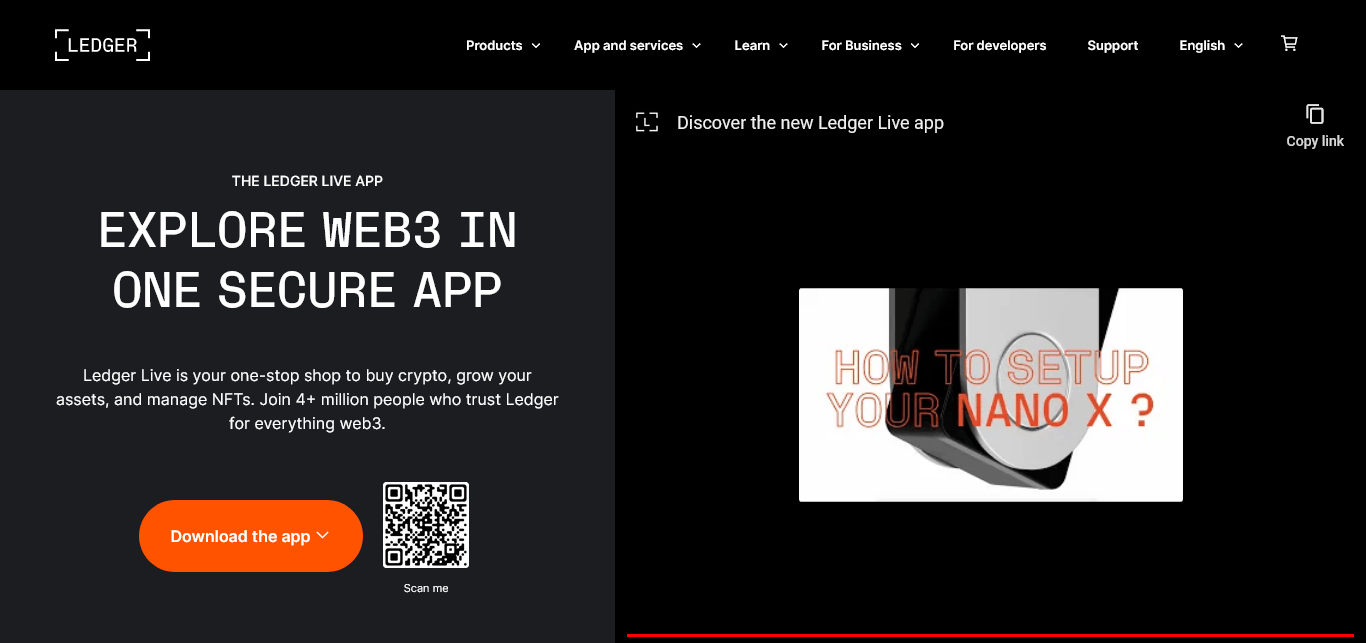
Ledger.com/start: A Complete Guide to Setting Up Your Ledger Hardware Wallet
Introduction to Ledger.com/start
Cryptocurrency ownership offers greater control over digital assets, but it also requires responsible security practices. Protecting private keys, understanding wallet recovery, and recognizing online scams are important parts of managing cryptocurrency safely. A hardware wallet can help users protect their private keys while maintaining access to supported digital assets.
Ledger.com/start is the starting point for users who want to configure a Ledger hardware wallet and learn about its setup process. Whether you are new to cryptocurrency or replacing an existing device, understanding the initial configuration can make your wallet experience more organized and secure.
What Is Ledger.com/start?
Ledger.com/start is Ledger's official setup page for compatible hardware wallets. It provides access to setup guidance and the software resources needed to begin using a Ledger device.
A Ledger hardware wallet is designed to protect private keys within the device rather than exposing them directly to an internet-connected computer. Users can interact with supported cryptocurrency accounts through compatible Ledger software while confirming important operations on their hardware wallet.
The setup process generally includes installing the appropriate application, configuring the device, creating a PIN, and securely recording the recovery information generated during initialization.
Why Is Proper Wallet Setup Important?
The first configuration of a cryptocurrency wallet establishes the foundation for its security. Incorrect setup practices or careless handling of recovery information can create unnecessary risks.
Starting with the correct instructions helps users understand how their device works and how to protect sensitive information. It also encourages responsible habits before making cryptocurrency transactions.
A hardware wallet should never be treated as a replacement for personal security awareness. Users must remain careful when downloading software, connecting devices, and approving transactions.
How to Get Started With Ledger.com/start
Step 1: Prepare Your Ledger Device
Before beginning, keep your Ledger hardware wallet and a compatible computer or mobile device ready. Make sure you have a suitable connection cable or supported wireless connection, depending on your device model.
Choose a private environment where you can complete the setup without interruptions.
Step 2: Visit the Setup Page
Open your browser and enter Ledger's official website address manually. Check the domain carefully before proceeding.
Avoid sponsored links, unfamiliar websites, or messages that claim to provide special wallet activation services. Cryptocurrency users should always be cautious about imitation websites.
Step 3: Install the Official Wallet Software
Follow the instructions provided through Ledger's official resources to obtain the compatible wallet application.
Install the software on your supported device and open it after installation. Make sure you are using the genuine application rather than an unofficial download.
Step 4: Configure Your Hardware Wallet
Connect your Ledger device and follow the instructions displayed on its screen.
Depending on your situation, you may need to create a new wallet or restore access to an existing wallet. Read each instruction carefully and complete the required verification steps.
Step 5: Protect Your Recovery Phrase
During the creation of a new wallet, your device generates a Secret Recovery Phrase. This phrase is extremely important because it can provide access to your cryptocurrency accounts.
Write the words down accurately and store them in a secure, private location.
Never share your recovery phrase with anyone. Do not enter it into websites, messaging applications, online forms, or ordinary computer documents. Anyone who obtains your recovery phrase may be able to access your assets.
Understanding Ledger Wallet Features
After completing the setup, users can explore the available wallet management features.
Depending on the supported device, software, and cryptocurrency, these features may include:
Viewing cryptocurrency account balances
Receiving supported digital assets
Preparing and confirming transactions
Managing multiple accounts
Installing applications for supported blockchain networks
Reviewing portfolio information
Accessing compatible staking or other services
Available features can vary according to the device model, software version, and supported network.
Security Tips for Ledger Users
Maintaining wallet security requires consistent attention.
Always verify transaction details on your hardware wallet before approving them. Check the recipient address and transaction amount carefully.
Keep your device PIN private and avoid using easily guessed combinations. Download updates and applications only through trusted official resources.
Be suspicious of unexpected messages promising wallet recovery, free cryptocurrency, or urgent account verification. Genuine support should never require you to reveal your Secret Recovery Phrase.
Conclusion
Ledger.com/start is an important starting point for understanding the configuration of a Ledger hardware wallet. By following the correct setup instructions, installing genuine software, and protecting recovery information, users can establish better habits for managing digital assets.
A secure cryptocurrency experience begins with careful preparation and continues through every transaction. Learning the basics of hardware-wallet management can help users approach their digital assets with greater confidence, responsibility, and awareness.
Before making any cryptocurrency transfer, take time to verify the transaction details and ensure that your wallet information remains private.